01
Designing for intelligent defaults
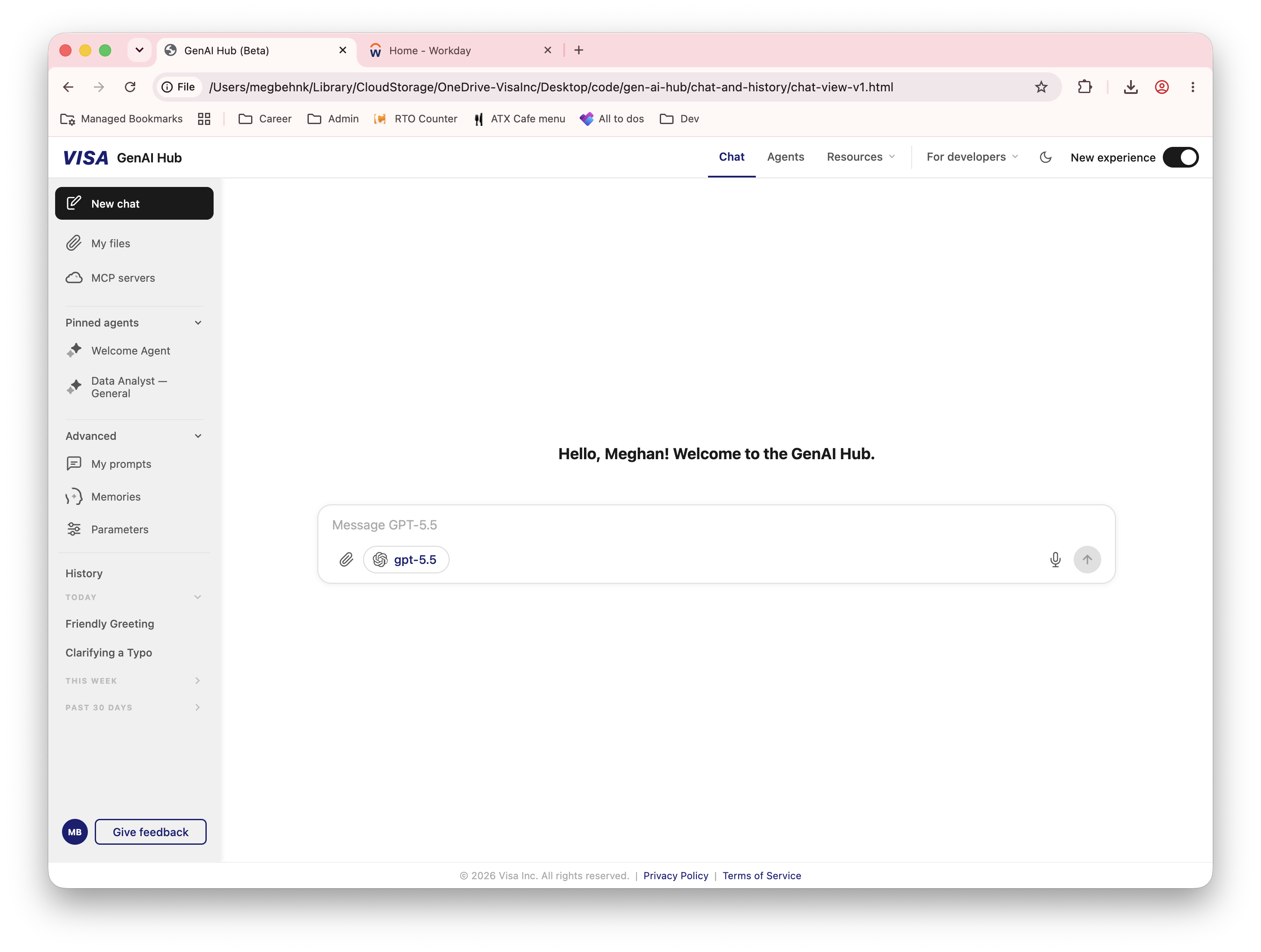
The platform was owned by an engineering team with deep AI expertise. They wanted maximum technical capability and configurability—but the average employee came to the product to complete a task, not configure the architecture behind it.
Users were being asked to decide whether a file needed retrieval-augmented generation, when code interpretation should be enabled, or how a file type should be processed. The platform offered flexibility, but the cost was cognitive burden.
I advocated for mainstream employee needs throughout stakeholder and implementation conversations. The system should recognize a file type, infer an appropriate processing behavior, and surface advanced controls only when a user’s task made them relevant.
A system should be sophisticated enough to make good decisions without requiring users to understand the technology behind them.
To put that principle into practice, I advocated for four things:
- Let user intent guide technical decisions when the system has enough context.
- Show the controls people need when they become relevant.
- Keep specialist options available without letting them dominate the experience.
- Explain unfamiliar concepts where people encounter them.
02
Turning many capabilities into one platform model
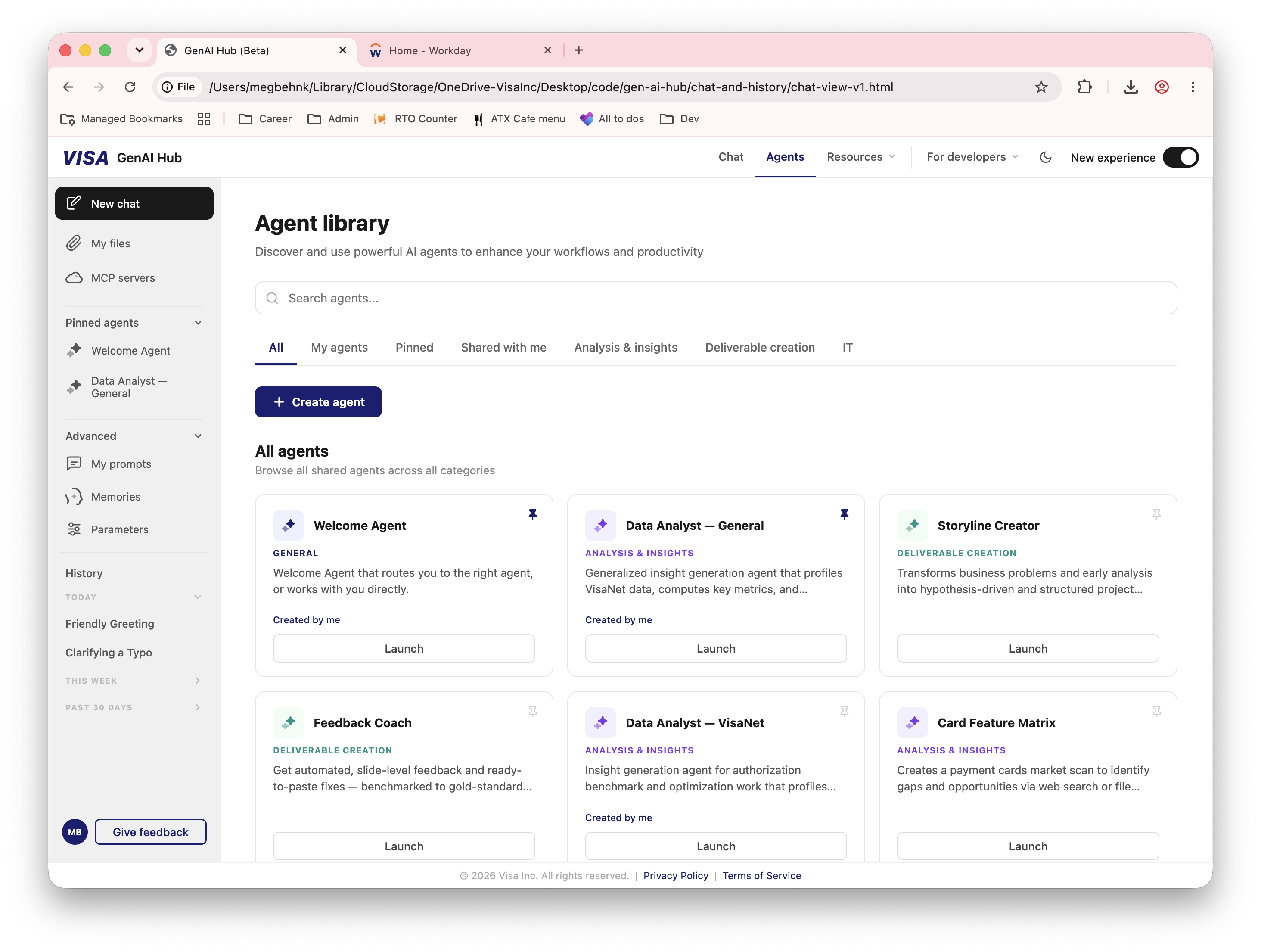
I organized the experience around two levels. Global destinations—Chat, Agents, Resources, and developer pathways—helped people understand the larger ecosystem. Contextual utilities stayed close to the chat workspace where employees would use them.
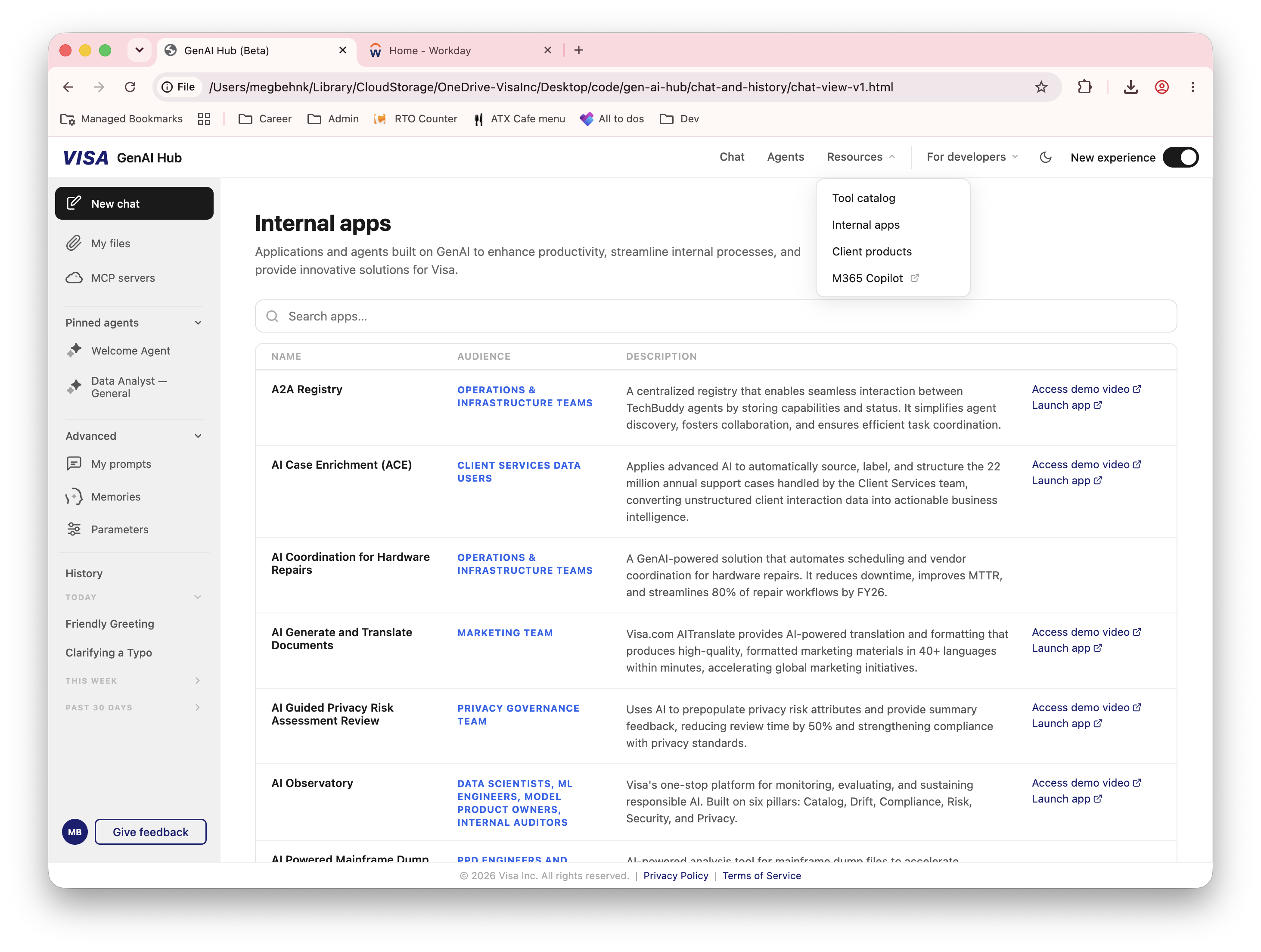
Different kinds of information also needed different structures. Cards supported recognition and browsing where identity and purpose mattered; denser layouts surfaced metadata when users needed to compare audience, category, provider, or use case.
03
Expanding my practice through an AI-first workflow
This project gave me the opportunity to lead with content while expanding my practice across interaction and visual design. I used an AI-first workflow in VS Code and Claude Code to build complete HTML prototypes, shaping the product’s language, structure, appearance, and behavior together.
Content design was central to that process. Defining what a capability meant, where it belonged, and what someone needed to understand informed the navigation, layouts, and controls. Working in code let me carry those decisions into an interactive experience and refine the content and interface together.
As AI changes how we build products, I see the ability to work across disciplines as an increasingly important part of design practice. This project gave me room to develop that breadth: applying my strengths in language, hierarchy, and audience needs while taking on interaction decisions, visual direction, and prototyping. AI helped me make those decisions tangible; I remained responsible for deciding what the experience should be and whether it made sense for the people using it.
That workflow also brought design closer to implementation. I worked module by module with engineering, using the prototypes to communicate content, layout, and behavior in context. As engineers implemented one area in the live platform, I moved to the next and worked through their questions and feedback. Content design and product design became parts of the same continuous process.